How I Saved 10 Hours This Week Using These 3 Prompts
How I Saved 10 Hours This Week Using These 3 Prompts
Jan 29, 2026

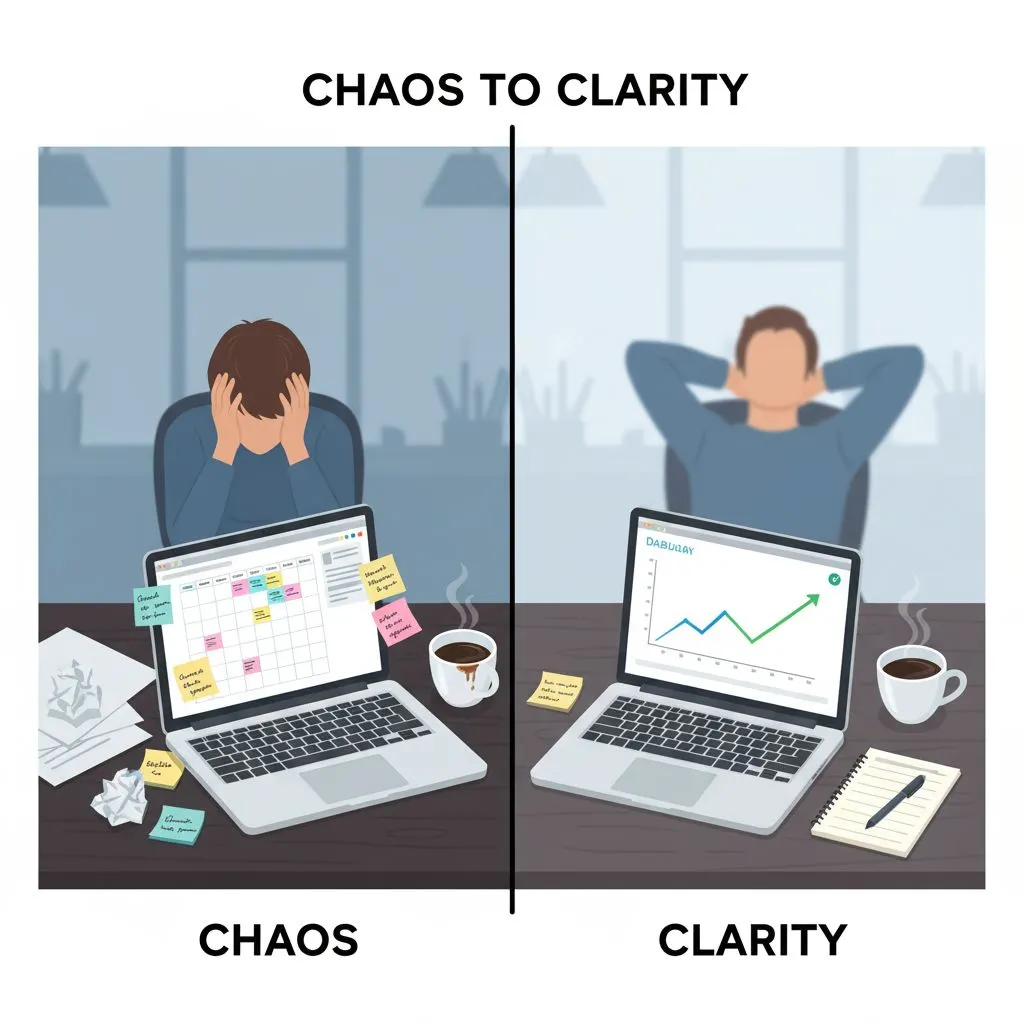
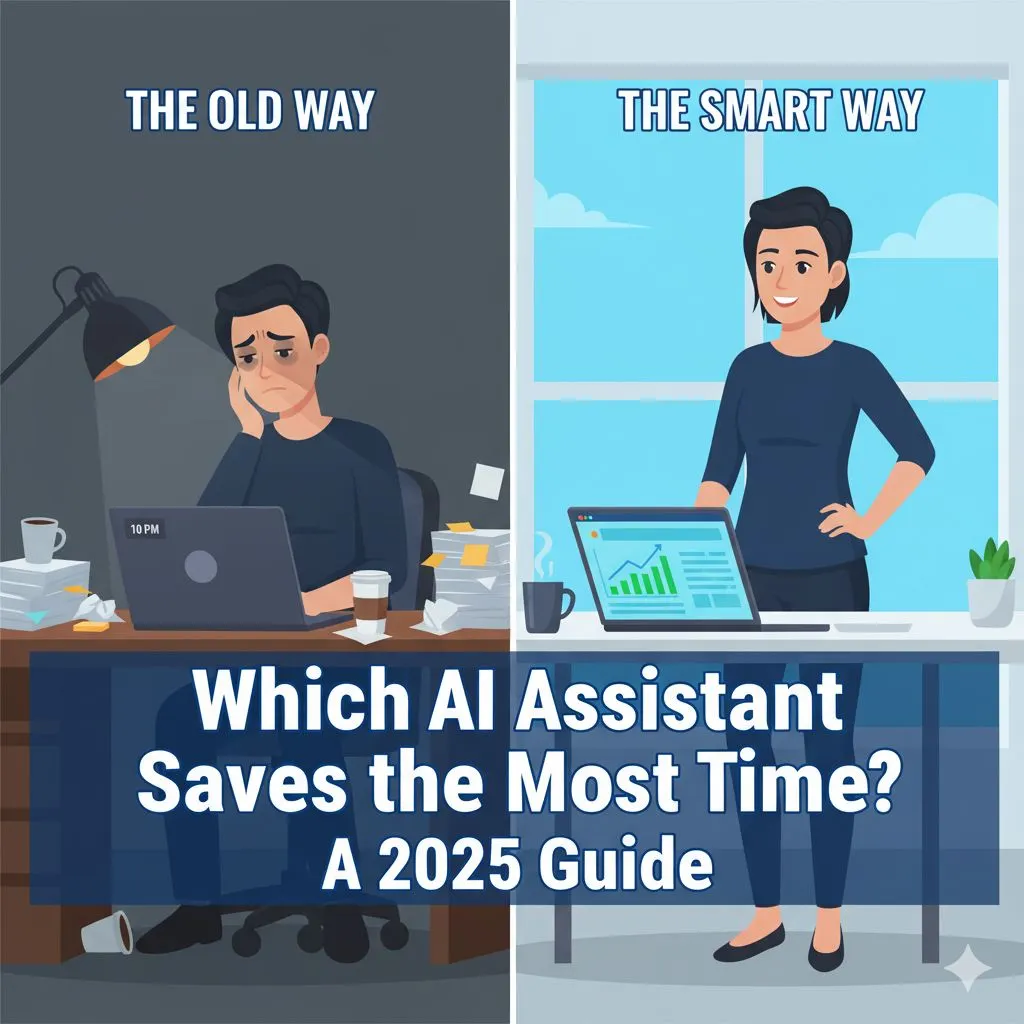
It was 10:30 PM on a Tuesday. I was staring at a half-written proposal, my inbox had 42 unread messages, and I hadn't posted on LinkedIn in two weeks.
If you run a small business or manage a lean team, you know this feeling intimately. It’s the feeling of being an "operator" trapped in the weeds, watching the "strategist" version of yourself drift further away. I wanted to grow my business, but I was too busy just keeping it alive.
For the complete playbook on making this shift, the ultimate guide to AI for small business maps the full journey from overworked operator to confident, AI-powered strategist.
Like many of you, I was skeptical of the sudden explosion of ai productivity tools. I’d tried them. I typed in "write a blog post about marketing," and the result was so generic and robotic that I spent more time fixing it than if I had written it myself. I wrote AI off as hype—a toy for tech bros, not a tool for serious business owners who care about quality.
But last week, I hit a breaking point. I decided to give it one more shot. But this time, I didn't ask the AI to "do my work." I treated it like a junior employee: I gave it context, constraints, and specific instructions.
The result? I didn't just get "content." I got my life back. Specifically, I saved 10 tracked hours in a single week.
Here is exactly how I did it, and the three specific prompts that moved the needle.
The Realization: Context is King
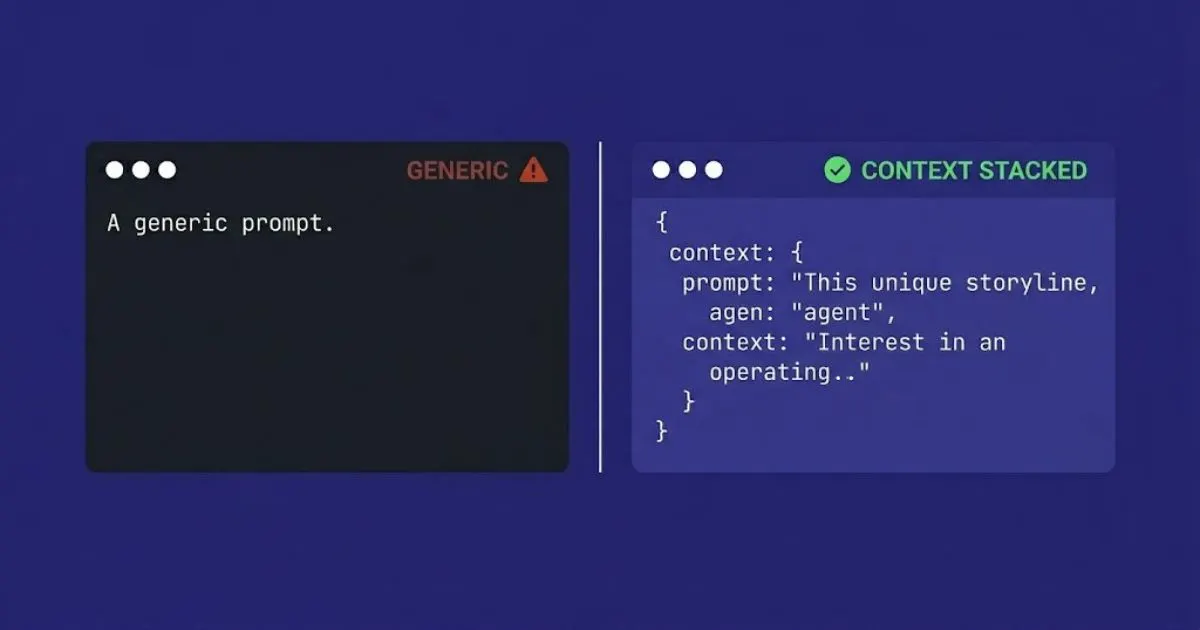
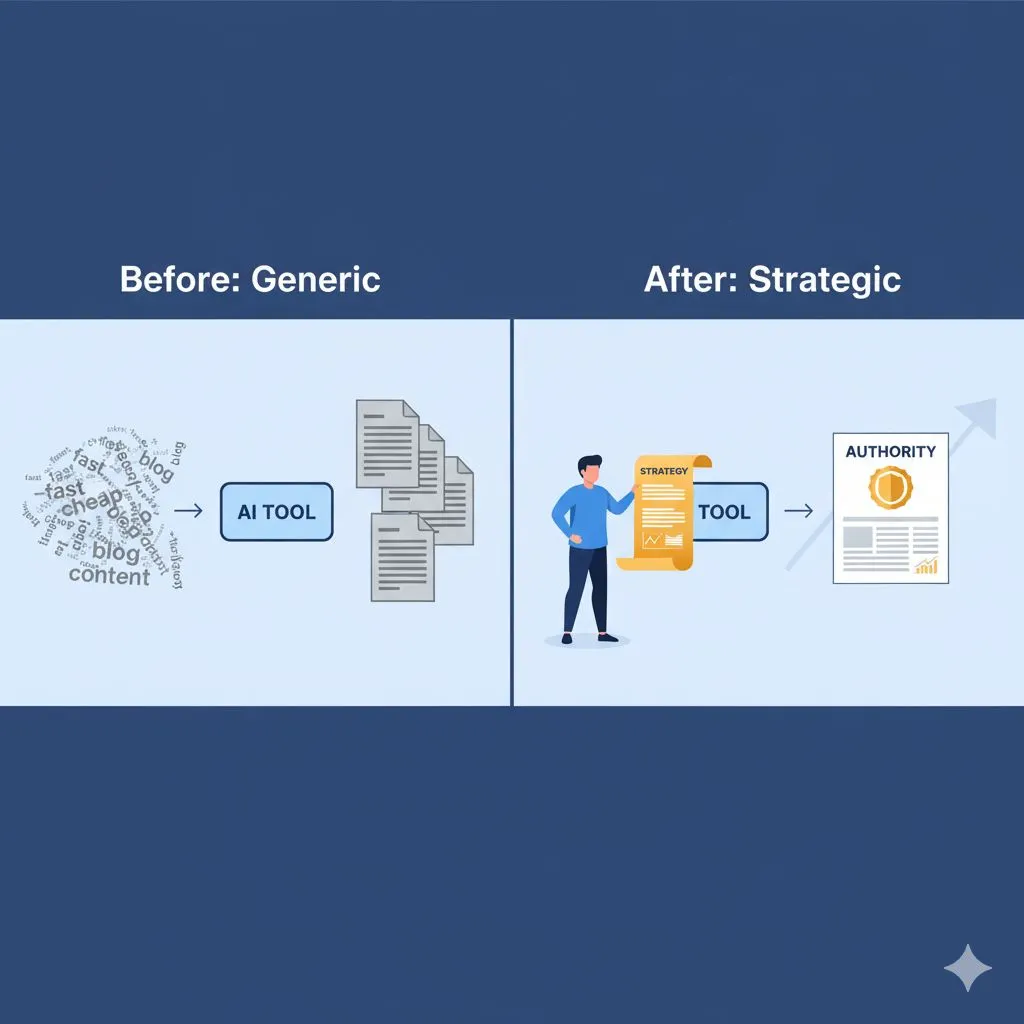
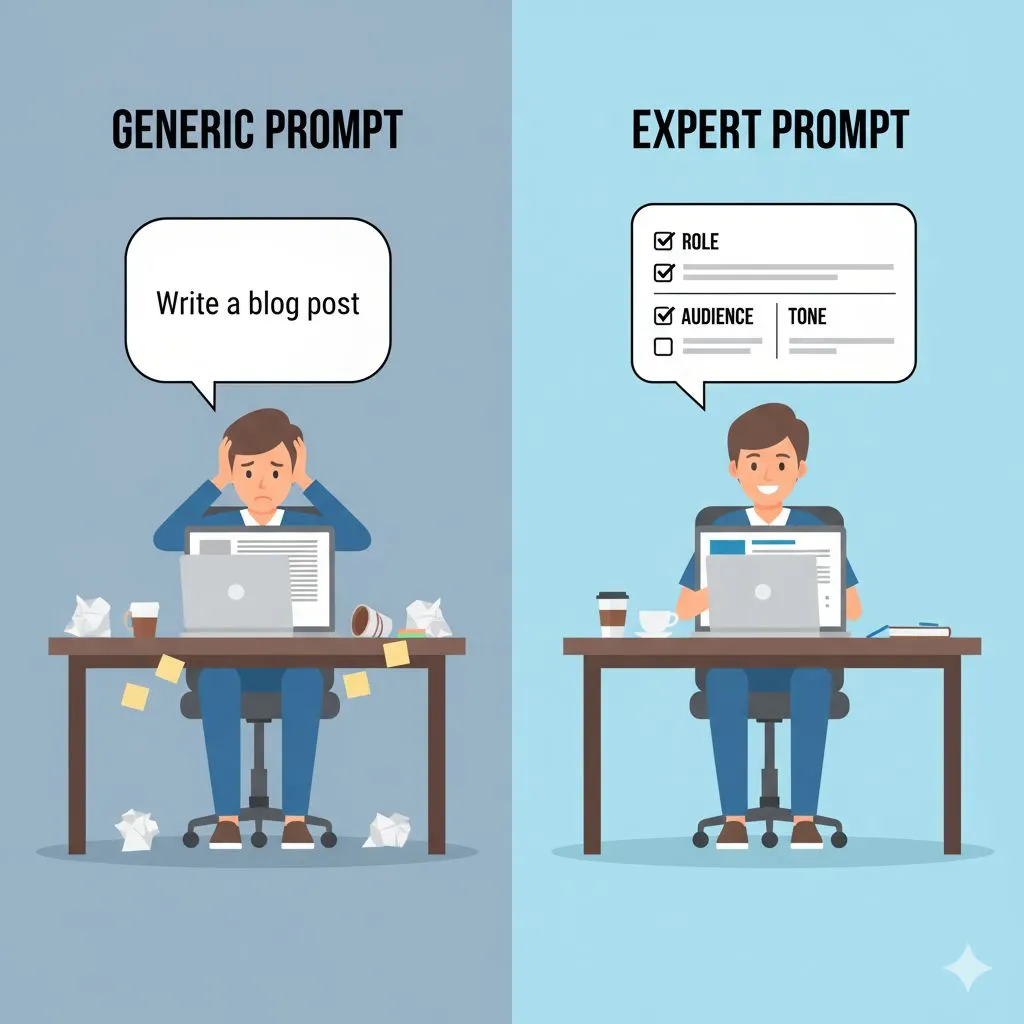
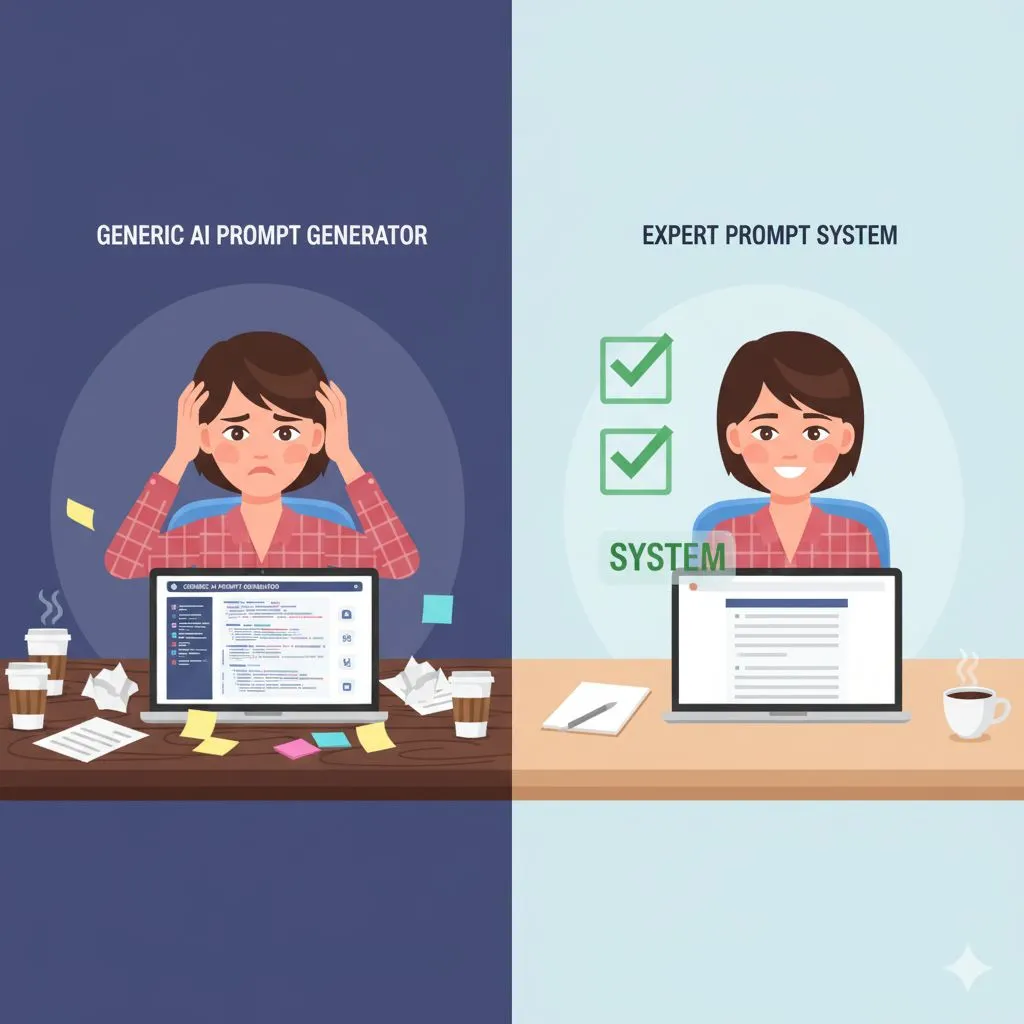
The reason my previous attempts failed was simple: I was using lazy prompts. If you ask a generic question, you get a generic answer. To get expert-level results that actually represent your brand, you have to engineer the prompt.
I realized that to truly unlock ai productivity, I needed to stop asking the AI to create and start asking it to process based on my expertise.
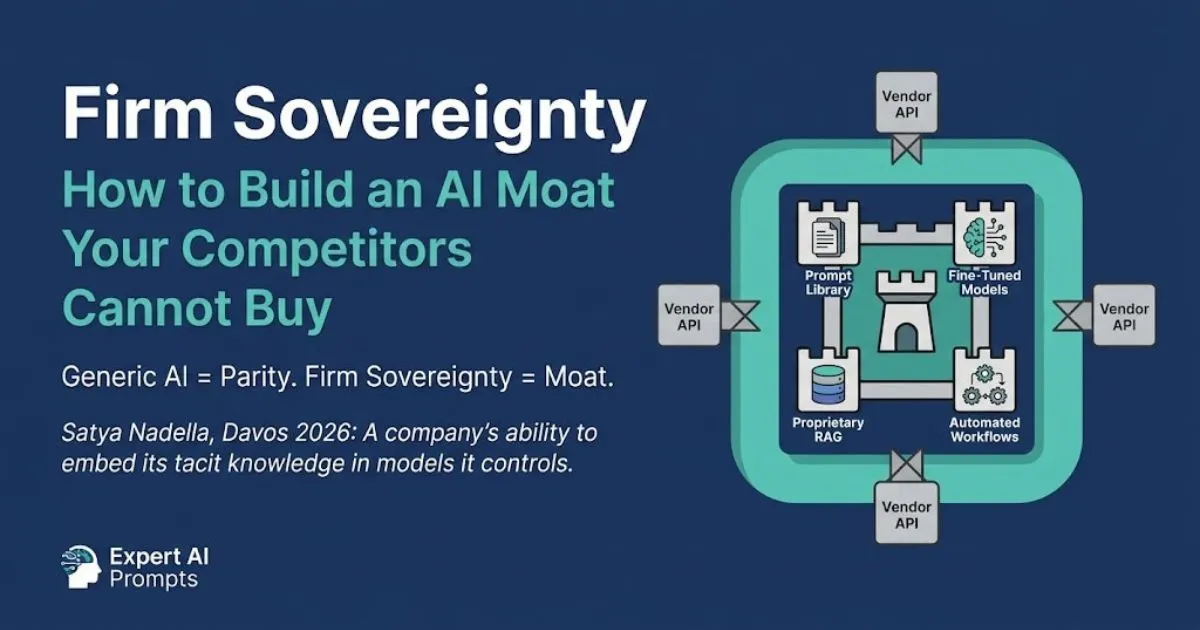
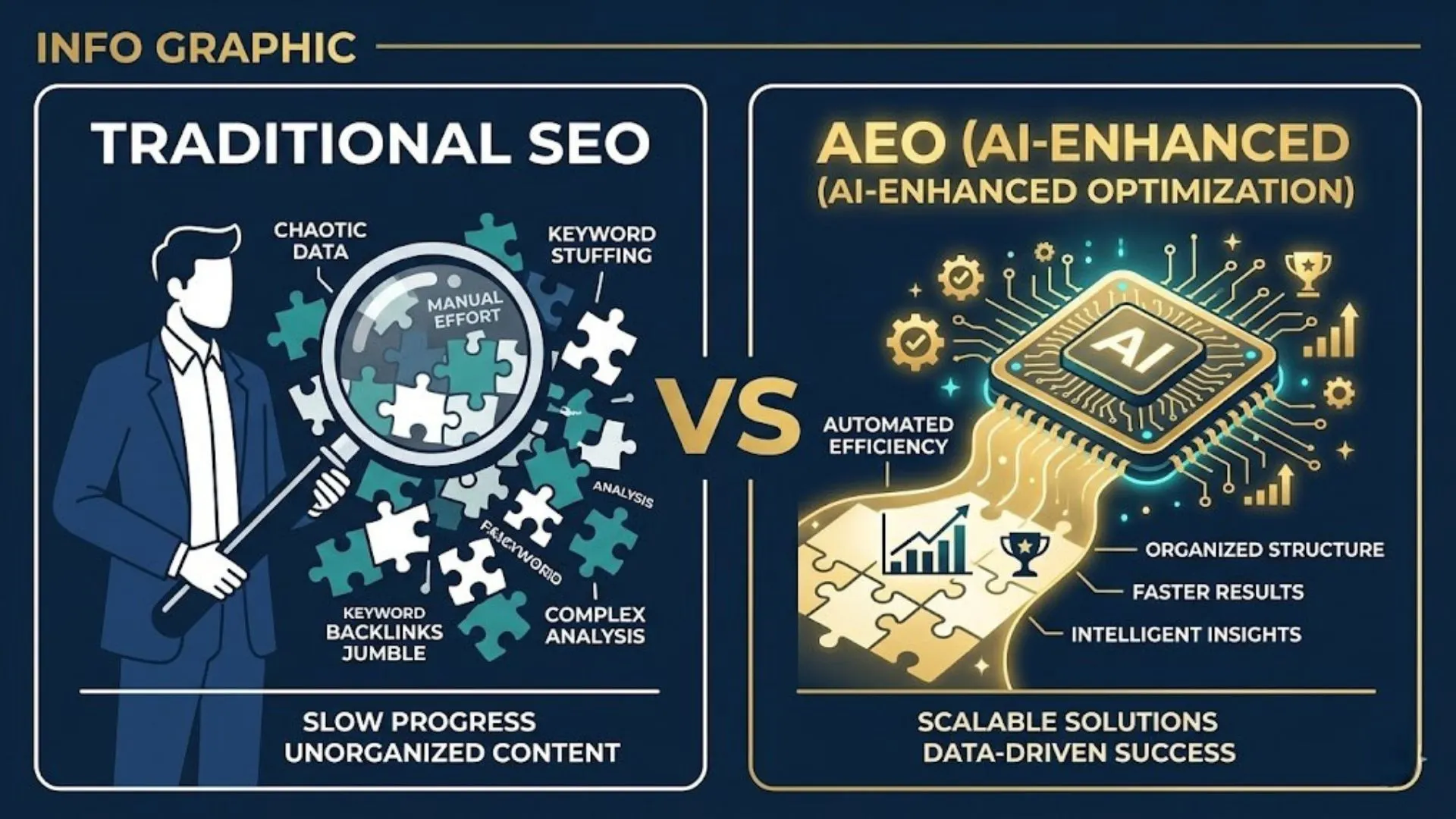
This is the core distinction between generic versus strategic AI prompts — and it separates business owners getting real results from those still getting filler content.
Prompt #1: The Content Multiplier (Time Saved: 4 Hours)
My biggest bottleneck is content marketing. If content is a persistent bottleneck in your business, the Small Business Playbook for AI Content Creation provides the full strategic framework — from LinkedIn to email to blog SEO. I know I need to be visible on LinkedIn, I know I need to send a newsletter, and I know I need blog SEO. But writing three distinct pieces of content takes me half a day.
Instead of staring at a blank page, I voice-recorded a 5-minute "brain dump" of my thoughts on a specific industry trend. I transcribed that audio (using a simple free tool) and fed it into the AI with this specific prompt:
The "Omni-Channel" Prompt:
"Act as a Senior Content Strategist. I am providing a raw transcript of my thoughts on [Topic]. Your goal is to repurpose this into three distinct assets, maintaining a professional but conversational tone:
- LinkedIn Post: Hook-driven, short paragraphs, bullet points for readability, and a provocative question at the end to drive engagement. (Max 250 words).
- Newsletter Intro: Personal, storytelling approach that segues into the main value proposition. (Max 300 words).
- Blog Outline: A structured SEO outline including H2s, H3s, and bullet points for the body content based on the arguments in the transcript.
Here is the transcript: [Paste Text]"
The Result:
In 30 seconds, I had a 90% ready-to-publish LinkedIn post and a newsletter that sounded exactly like me—because it was my thoughts, just structured by the AI. I spent 20 minutes polishing rather than 4 hours writing from scratch.
This batching method — capture your best thinking once, then publish it everywhere — is explored further in The Secret to Consistency: Batching Content with AI Prompts.
Prompt #2: The Client Communication Shield (Time Saved: 3 Hours)
Nothing drains my energy faster than "difficult" emails. You know the ones: a client asking for work outside the scope, a polite rejection to a vendor, or a delicate negotiation. I used to agonize over the wording for 45 minutes, terrified of sounding too harsh or too soft.
I stopped the agonizing and built a "Tone-Calibration" prompt.
The "Diplomatic boundaries" Prompt:
"Act as an Executive Virtual Assistant. I need to write an email to a client who has requested [Specific Task] which is out of scope for our current retainer.
Please draft a response that:
- Acknowledges their request and validates their goal.
- Firmly but politely explains that this is out of scope.
- Offers a separate quote/timeline for this specific task.
- Maintains a helpful, collaborative, and professional tone. Do not be apologetic; be matter-of-fact.
Context: [Insert brief details of the situation]."
The Result:
The AI generated a response that was professional, firm, and polite. I tweaked two sentences and hit send. For a dedicated toolkit of professional communication and client management prompts, Prompt-Led Email Mastery is built specifically for this workflow. What usually ruins my morning took 3 minutes. This saved me about 3 hours of writing time across the week, but it saved me infinite amounts of mental stress.
Prompt #3: The Strategic Brain Dump (Time Saved: 3 Hours)
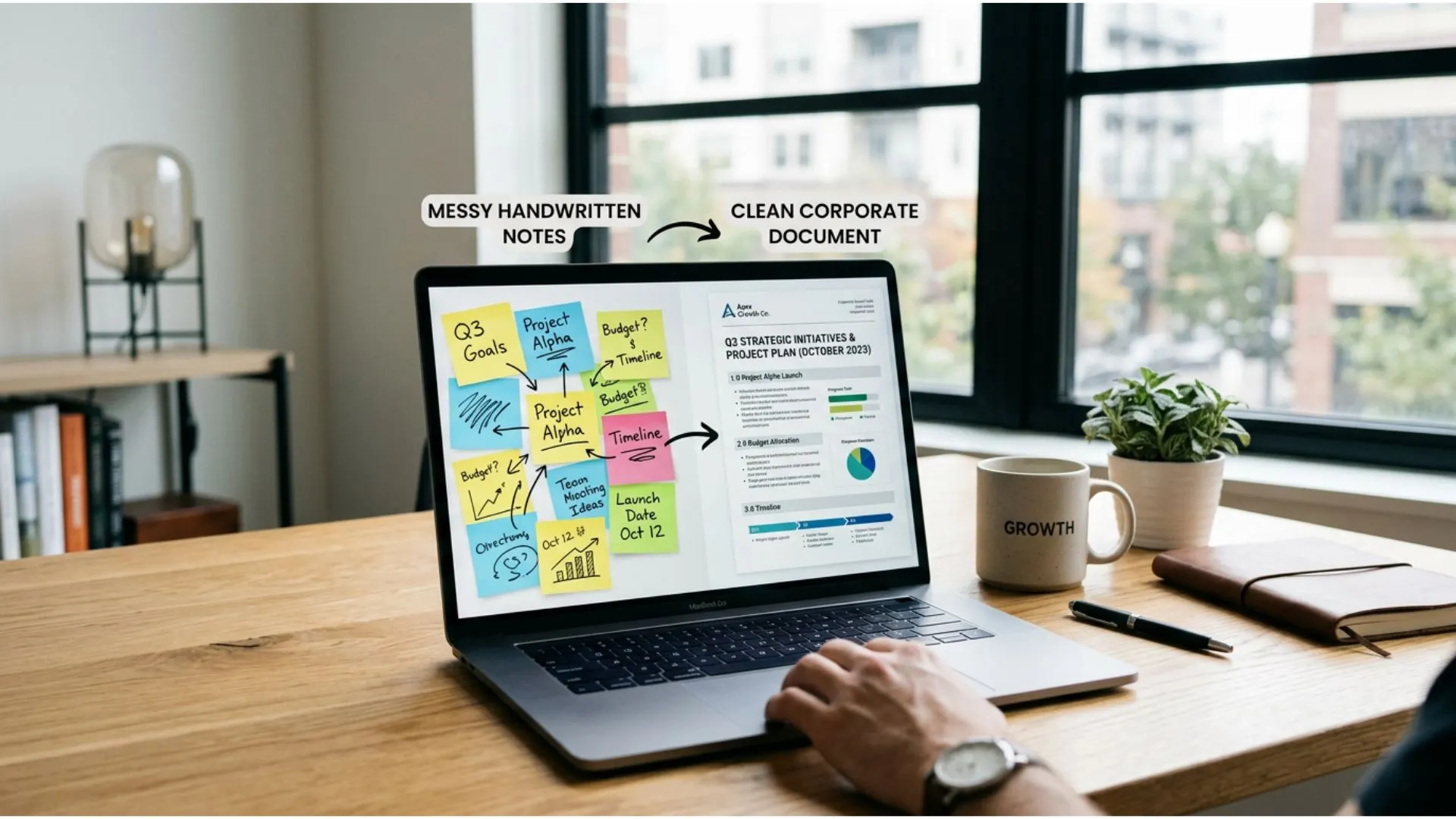
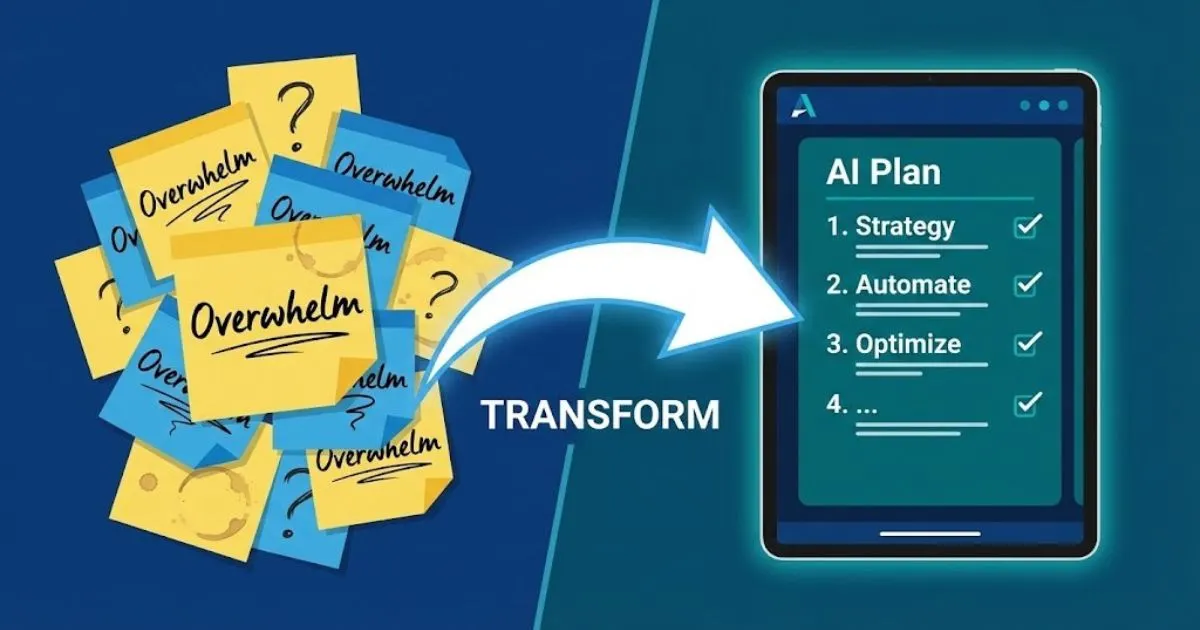
By Friday, I usually have a list of "big ideas" for business growth that I’m too tired to plan out. They stay on sticky notes and eventually die. I wanted to launch a new webinar series, but the logistics felt overwhelming.
A practical first step before any AI-assisted project is running through the AI implementation checklist for small business owners to identify exactly where AI can take the load.
I used this prompt to turn a messy idea into an execution plan.
The "Project Roadmap" Prompt:
"Act as a Project Manager and Operations Director. I want to launch [Project Name: e.g., a new webinar series for real estate agents].
Please break this project down into a 4-week execution roadmap.
- List the key milestones for each week.
- Break down the specific tasks required to hit those milestones (marketing, tech setup, content creation).
- Identify potential bottlenecks I should watch out for.
My resources: [e.g., I have a budget of $500 and 5 hours a week]."
The Result:
The AI gave me a checklist. I didn't have to think about "what do I do next?" I just looked at the list for Week 1 and started executing. It eliminated the decision fatigue that usually paralyzes small business owners.
From Overworked to Outstanding
When I tallied up the time, the math was undeniable.
- Content Creation: 4 hours saved.
- Email/Admin: 3 hours saved.
- Planning/Strategy: 3 hours saved.
That is 10 hours of my life back.
These results are repeatable across industries — see how a boutique agency reclaimed 20+ hours per week using structured AI prompts in this real-world case study.
But the real value wasn't just the time; it was the quality. The content was better because it was based on my best ideas, not my tired brain. The emails were more professional because they weren't written in frustration. The planning was actionable.
I didn't need a bigger team. I didn't need more funding. I just needed to stop treating AI like a toy and start treating it like the powerful business partner it is.
If you are tired of the hustle and ready to start scaling, you don't need to be a tech wizard. You just need the right words.
Ready to reclaim your own time?
I’ve curated a starter pack of my top time-saving prompts specifically for busy entrepreneurs. You can grab them for free right here:
Get Your Free 5-Hour Prompt Pack
Already ready to go deeper? Browse all 30 industry-specific prompt packs and pricing to find the right toolkit for your industry.
Further Reading
• Scaling Without Hiring: The Solopreneur's Guide to AI
• 5 Boring Tasks You Should Never Do Manually Again
• From Operator to Strategist: Using AI to Escape the Daily Grind